How to VOD review your gameplay
What a VOD review is, how to do one step by step, and the free tools compared: Insights, Vodon Pro, ValoPlant and a pen overlay for Windows.
Step-by-step guides for Teams, Zoom and PowerPoint. Built-in way first, sources checked.
What a VOD review is, how to do one step by step, and the free tools compared: Insights, Vodon Pro, ValoPlant and a pen overlay for Windows.
OBS has no built-in click highlight. Show mouse clicks in OBS with a free halo and click flash, recorded with Display Capture. No plugin needed.
Teams Whiteboard: start it from Share, see who can join and where it saves, plus a free way to draw over slides and worksheets instead.
A presentation timer, speech time calculator, screen share test and shortcut sheets. They run in your browser, with no signup.
Browse the tools →
Discord has no drawing tool. Share your whole screen and draw over it with a free pen, laser and arrow, so everyone in the call sees your ink.
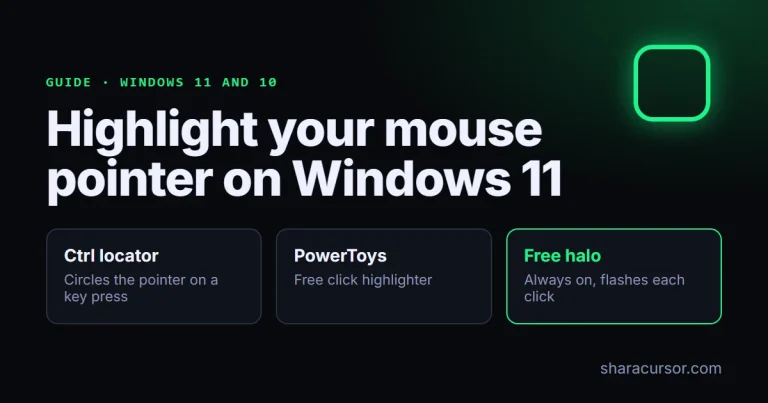
Highlight your mouse pointer and clicks on Windows 11 or 10: what the Ctrl key and Settings do, plus free tools with an always-on halo.
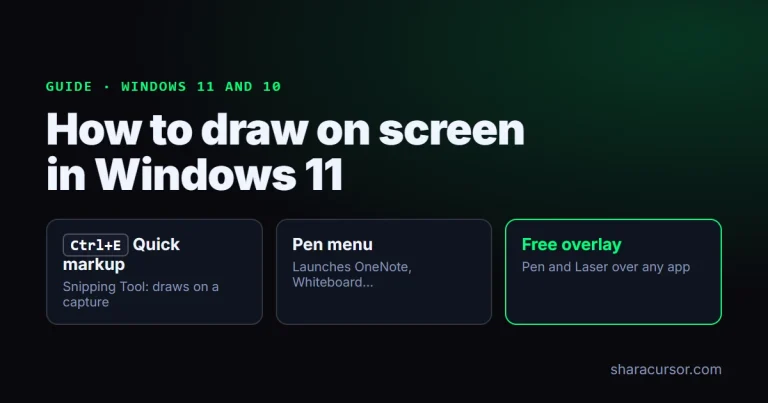
Windows 11 can mark up a screenshot, but it has no built-in pen that stays on top of your running apps. To draw over live apps, slides or a call, use a free overlay.
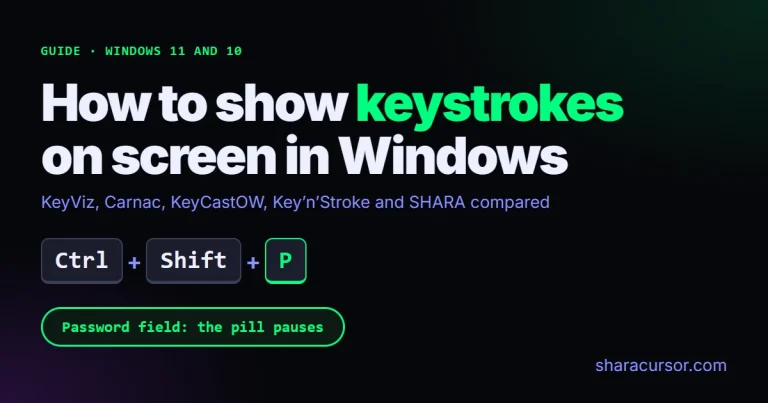
Show keystrokes on screen in Windows 11 for free: KeyViz, Carnac, KeyCastOW, Key’n’Stroke and SHARA compared, with setup steps and password-field behavior.
Add, view and print speaker notes in PowerPoint, with three examples sized in words per slide at 100 to 165 words a minute.